Work your lead list
When to use this: You are planning calls or field visits for the day.
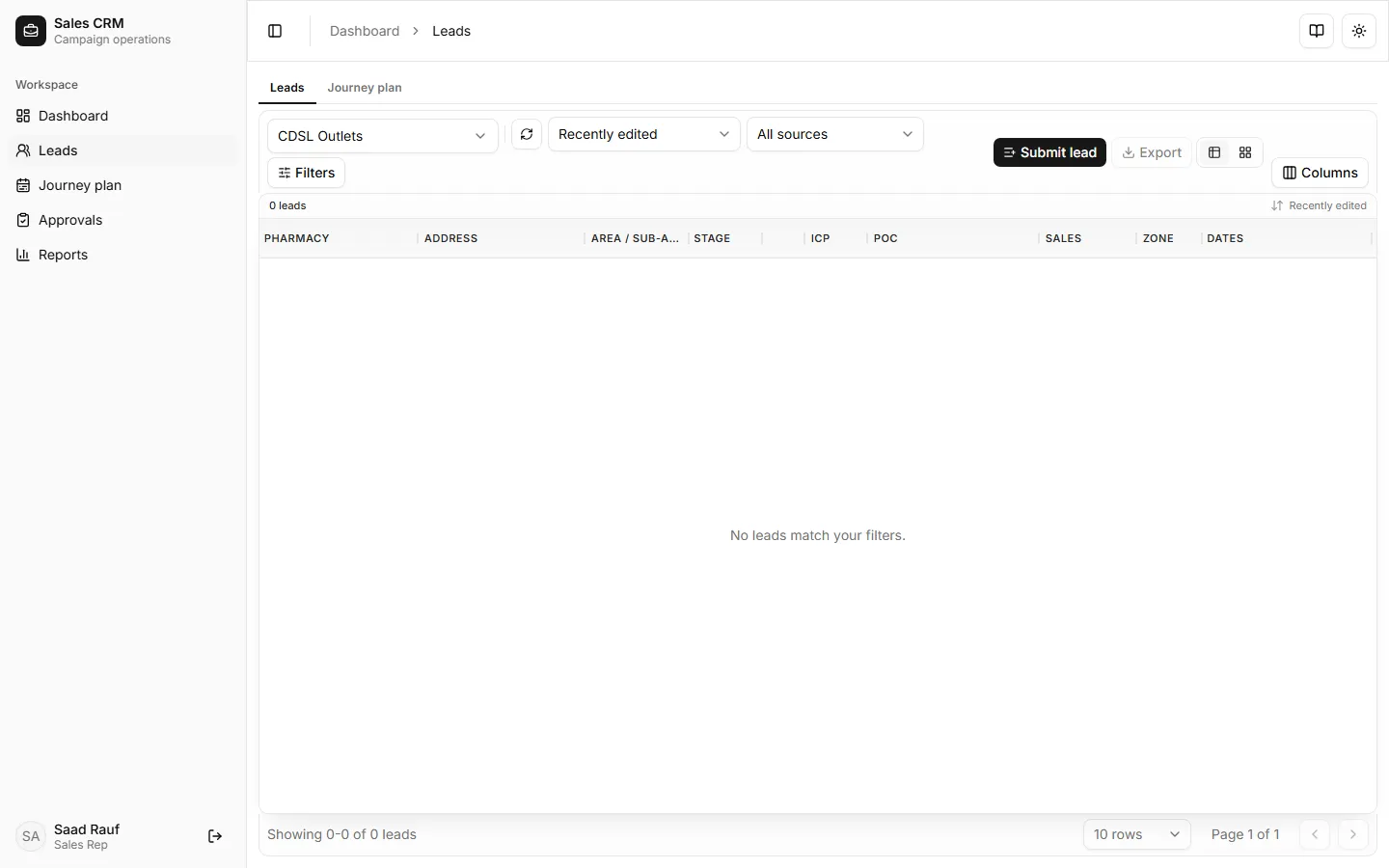
Where: Workspace → Leads
- Open Workspace → Leads.
- Use filters for stage, area, campaign, or Lead Source (Manual, Meta, WhatsApp, website forms, …) if your manager gave you a focus list.
- Scan the Dates column — stacked chips show:
- Created (blue)
- Next planned visit (amber) when scheduled on Journey plan
- Callback (violet) — date/time only; hover for the callback note
- Latest visit (green) when a visit is recorded
- Use the eye icon to open visits, or ⋯ for schedule visit / callback, WhatsApp templates, assign (managers), edit, images, and more.
- Open a row to view details or jump to Visits.
Success looks like
Section titled “Success looks like”You see only leads assigned to you (unless your role has broader visibility). Stage badges and date chips show where each outlet sits and what is due next.
If it goes wrong
Section titled “If it goes wrong”| Symptom | Likely cause | Fix |
|---|---|---|
| Empty grid | No leads assigned yet | Ask your manager to assign campaign leads |
| Wrong campaign | Campaign filter set | Clear filters or pick the campaign your manager gave you |
| Cannot open lead | Row still loading | Wait for “Showing 1–…” in the grid footer |
| Callback note missing in chip | By design | Hover the violet callback chip to read the note |