Edit a visit
When to use this: You need to fix notes, outcome, or stage on a visit you already logged.
Where: Lead → Visits → visit row → Edit
- Open the lead’s Visits tab.
- Click the visit to open detail, then Edit.
- Update fields and save.
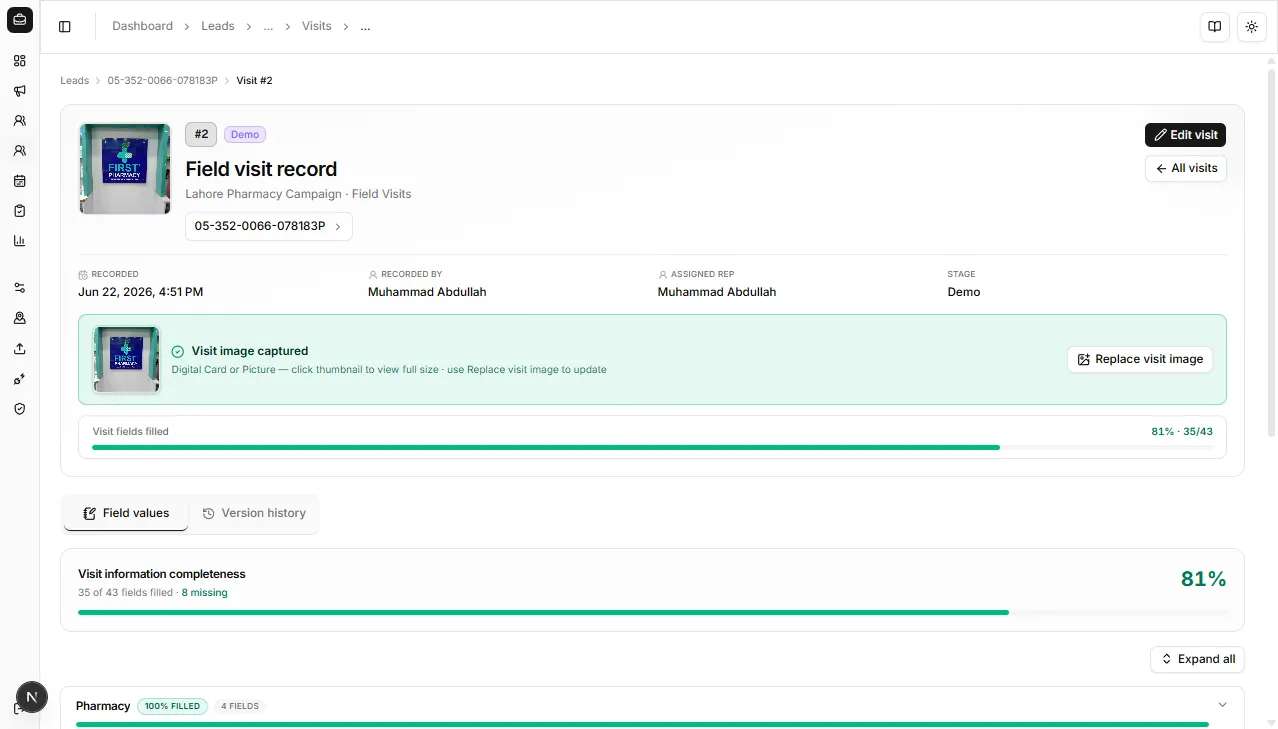
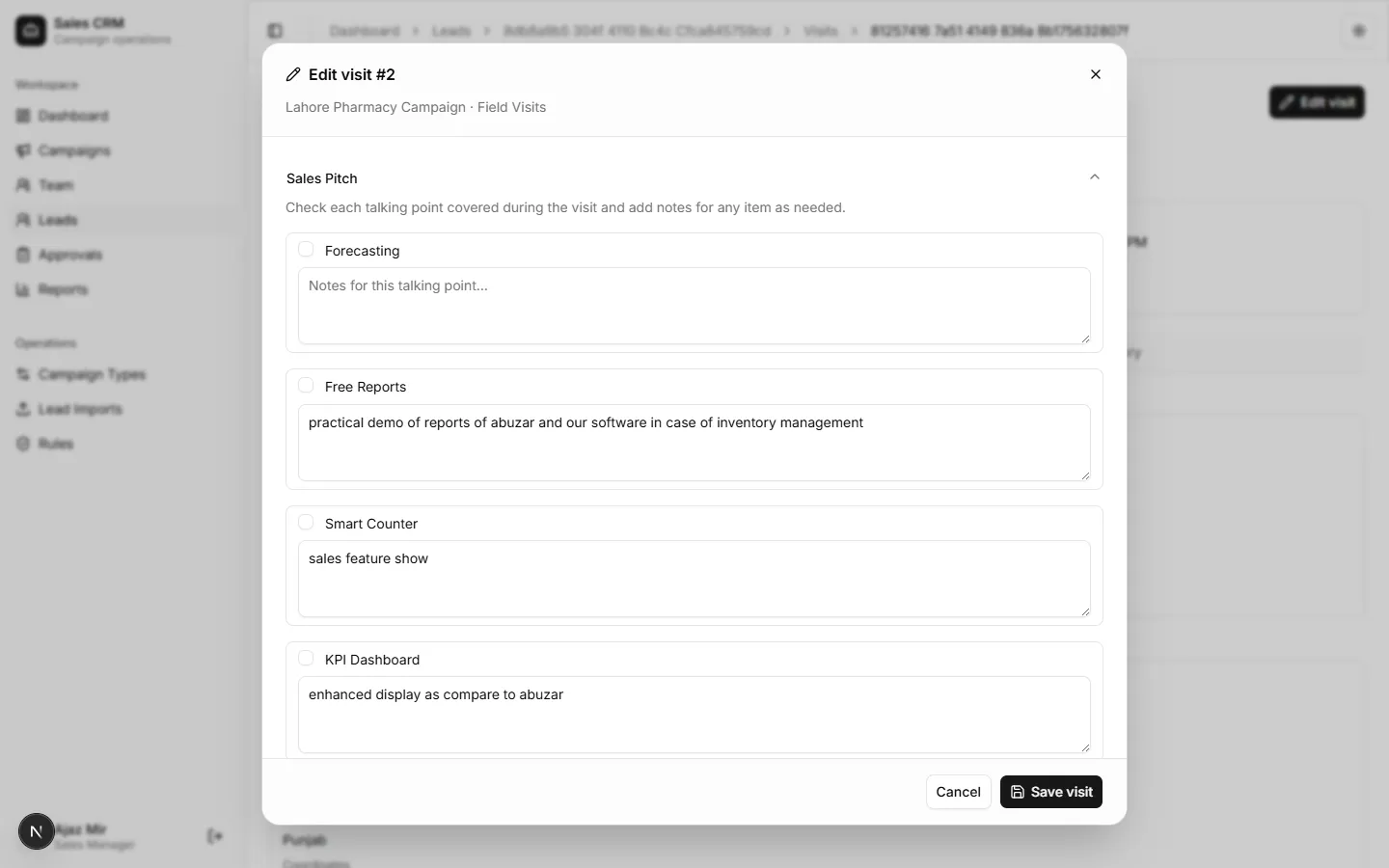
Success looks like
Section titled “Success looks like”The visit list and reports reflect the corrected data.
If it goes wrong
Section titled “If it goes wrong”| Symptom | Likely cause | Fix |
|---|---|---|
| Edit not visible | Visit locked or read-only role | Confirm you logged the visit or ask your manager |
| Save fails | Required field cleared | Restore required outcome/stage values |
| Reports unchanged | Outside date filter | Adjust Reports range to include the visit date |