Read your reports
When to use this: You want to check your own performance for the week or month.
Where: Workspace → Reports
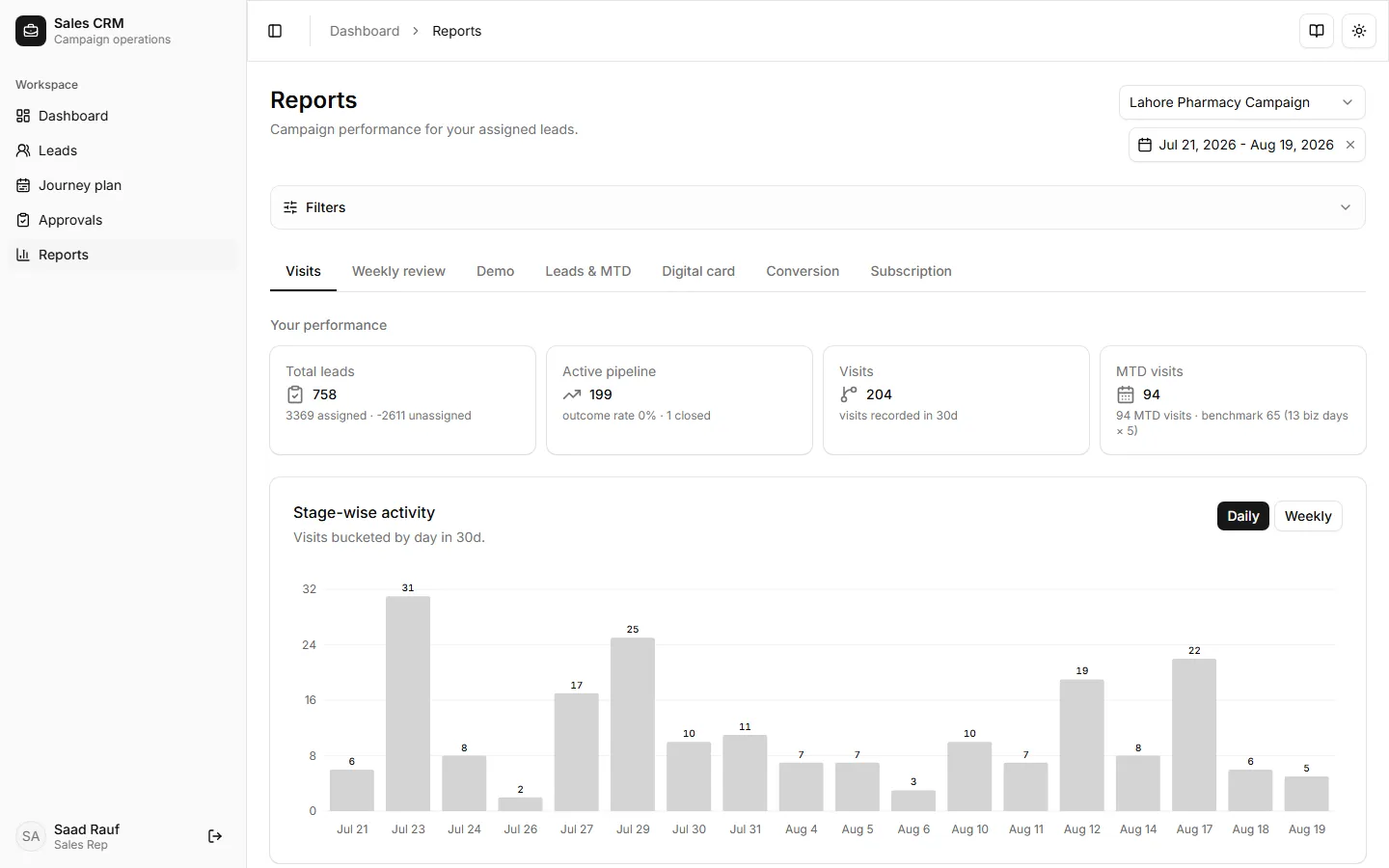
- Open Workspace → Reports — data is scoped to your rep account.
- Select a campaign and set the date range.
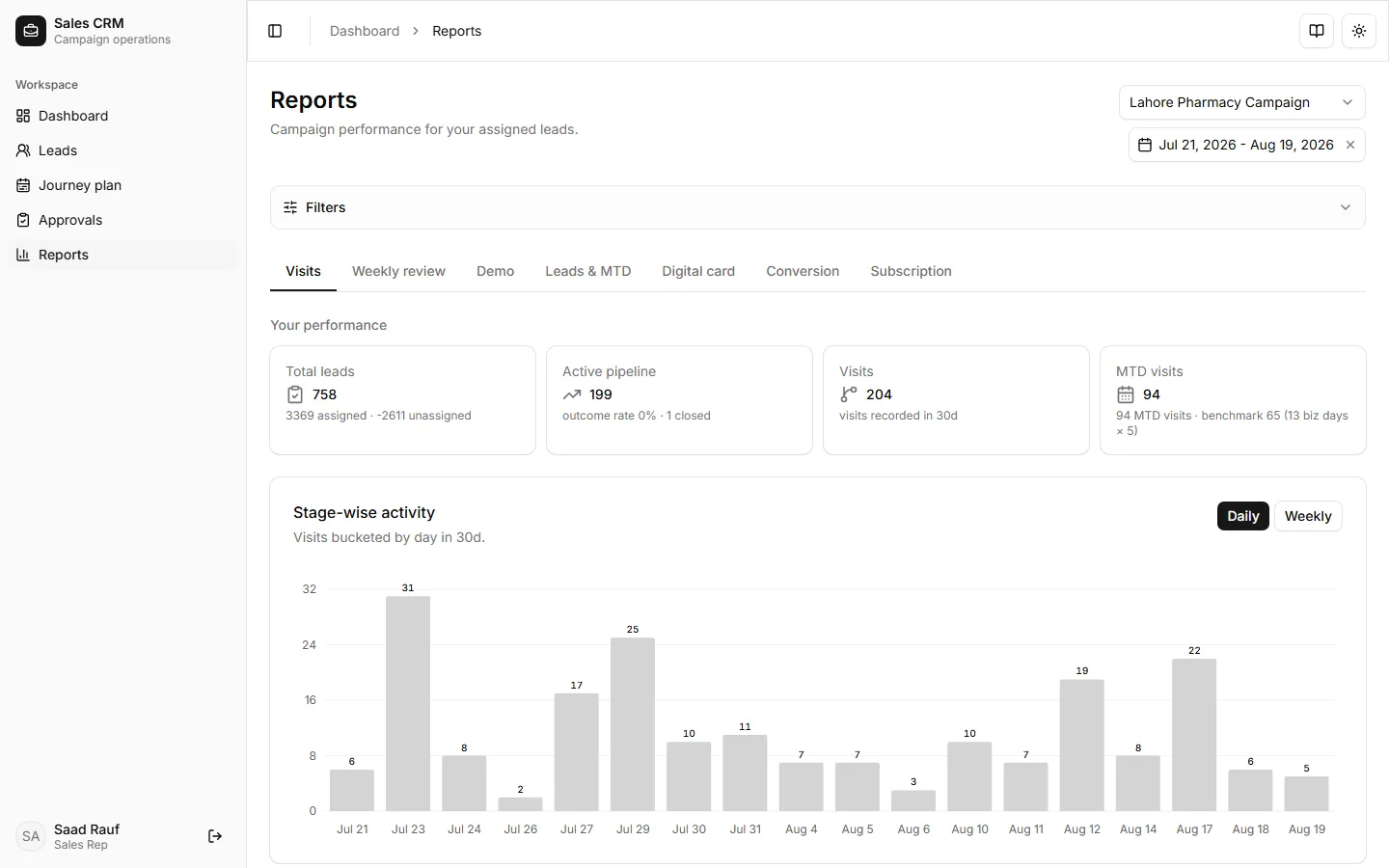
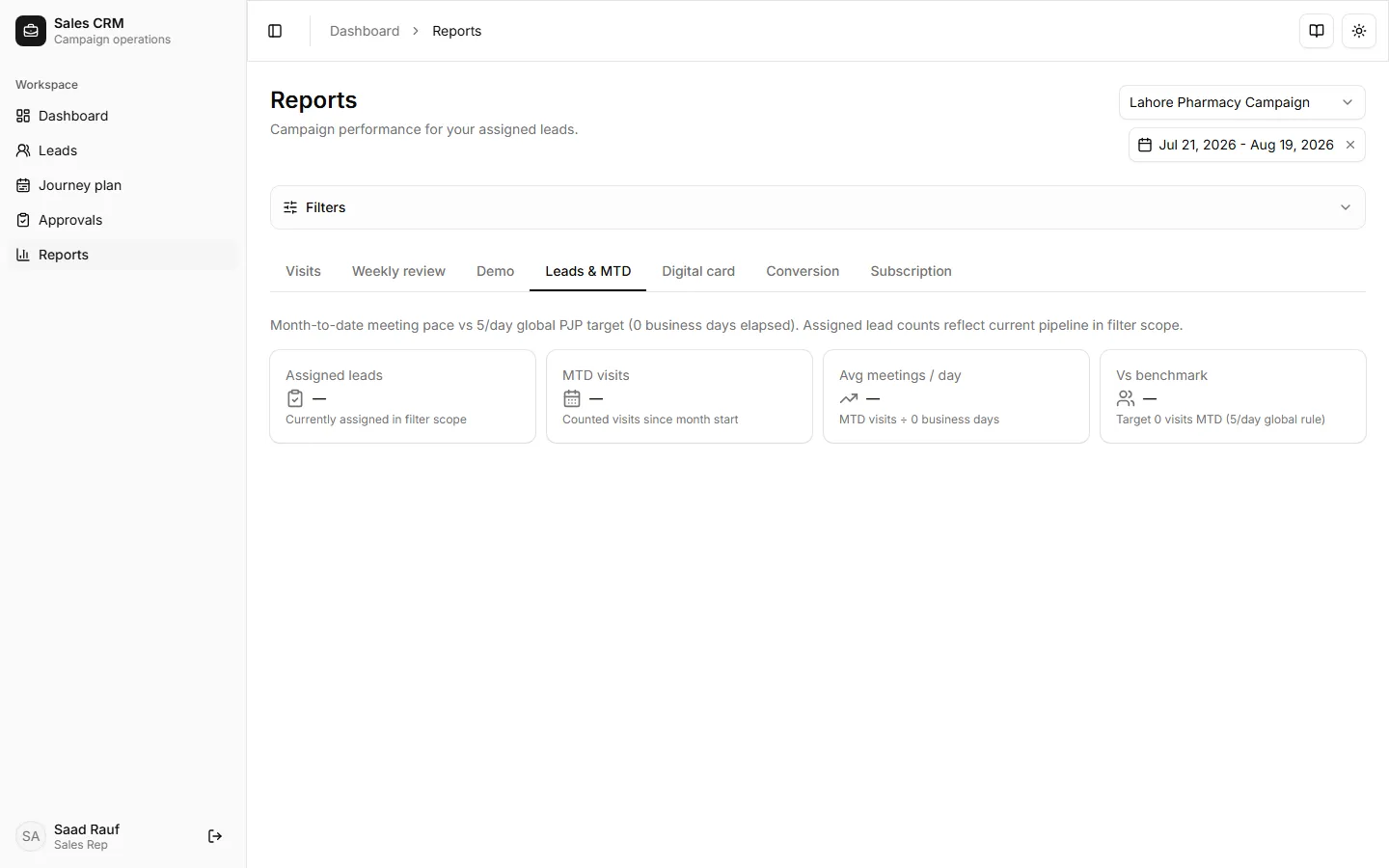
- Review Visits for coverage, Weekly review for Hot / Warm / Cold and update %, and Leads & MTD / Conversion as needed.
If it goes wrong
Section titled “If it goes wrong”| Symptom | Likely cause | Fix |
|---|---|---|
| “Loading chart…” | Data still fetching | Wait a few seconds after picking campaign and date range |
| All KPIs show “—” | No visits in range | Widen dates or confirm visits were logged on assigned leads |
| Wrong numbers | Manager view | Sign in as your rep account — not a manager test login |