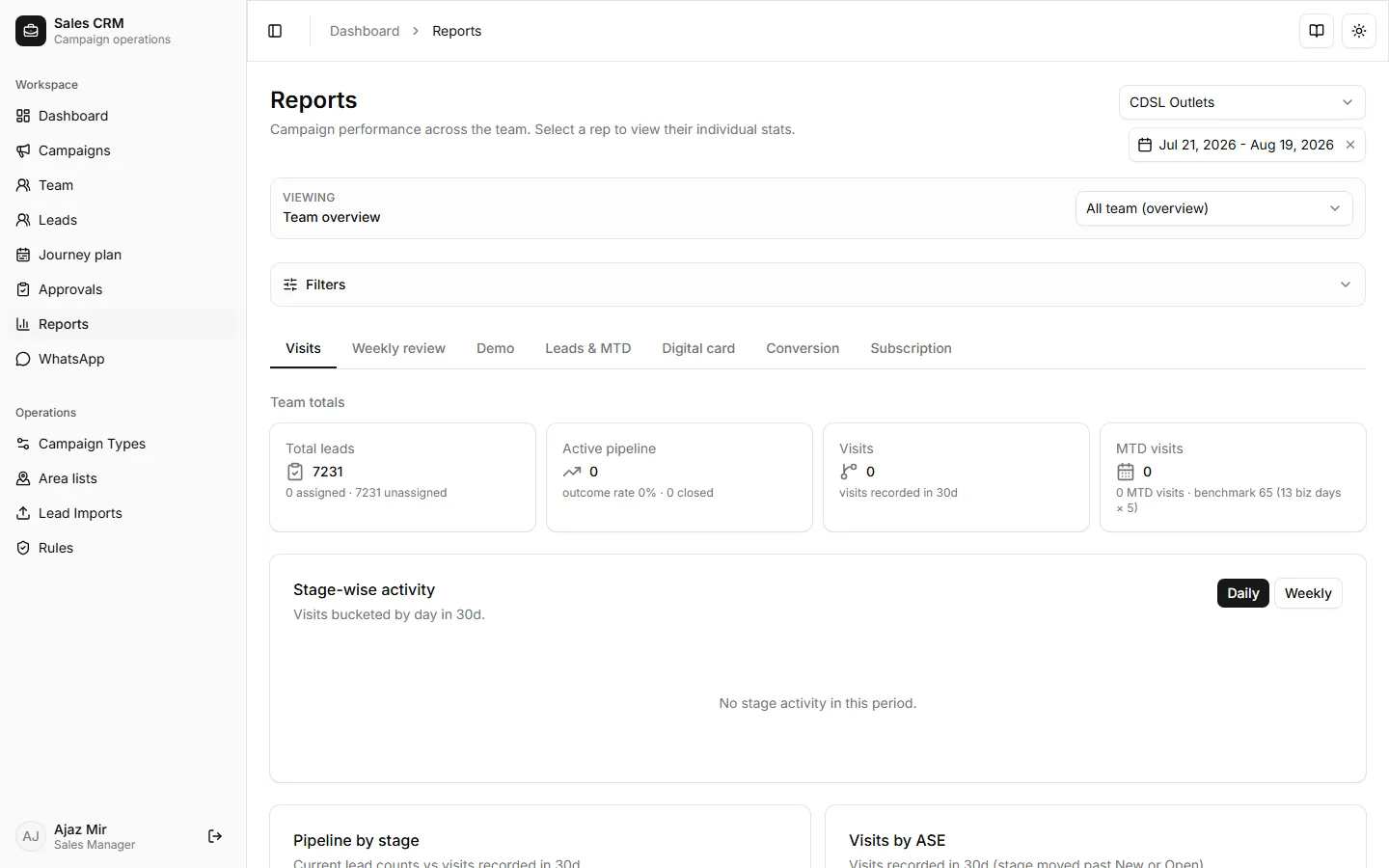
Report tabs
Open Workspace → Reports. Pick a campaign and date range, then use optional filters (ASE, manager, lead source, Meta ad, stage, ICP).
| Tab | Measures | Typical manager use |
|---|---|---|
| Visits | Visit counts by rep and period | Daily/weekly coverage |
| Weekly review | ASE pack — updated/pending, Hot/Warm/Cold, quality feedback, ASE snapshot | Meta / qualification week reviews |
| Demo | Demo-specific visit activity | Product launch tracking |
| Leads & MTD | Pipeline volume, month-to-date | Forecast check-ins |
| Digital card | Digital card funnel metrics | Channel campaigns |
| Conversion | Stage-to-stage conversion | Bottleneck diagnosis |
| Subscription | Subscription outcomes | Recurring revenue motions |
Reserved / disabled in the UI today: PJP, New customers, Outcomes (labels may still appear greyed out).
Managers see all reps in scope; reps see only their own rows on the same enabled tabs.