Add a team member
When to use this: A new rep or manager needs access.
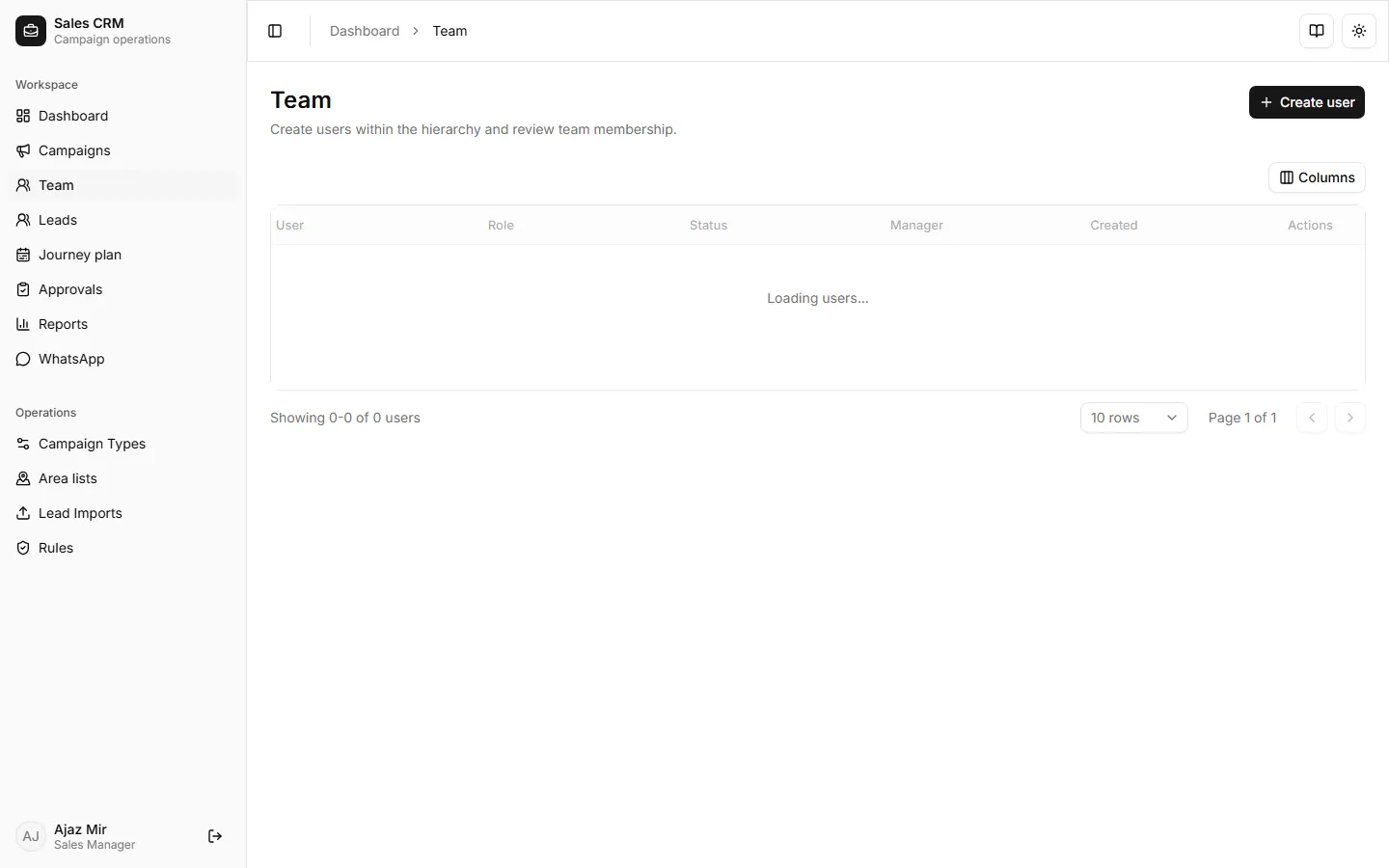
Where: Workspace → Team
- Open Workspace → Team.
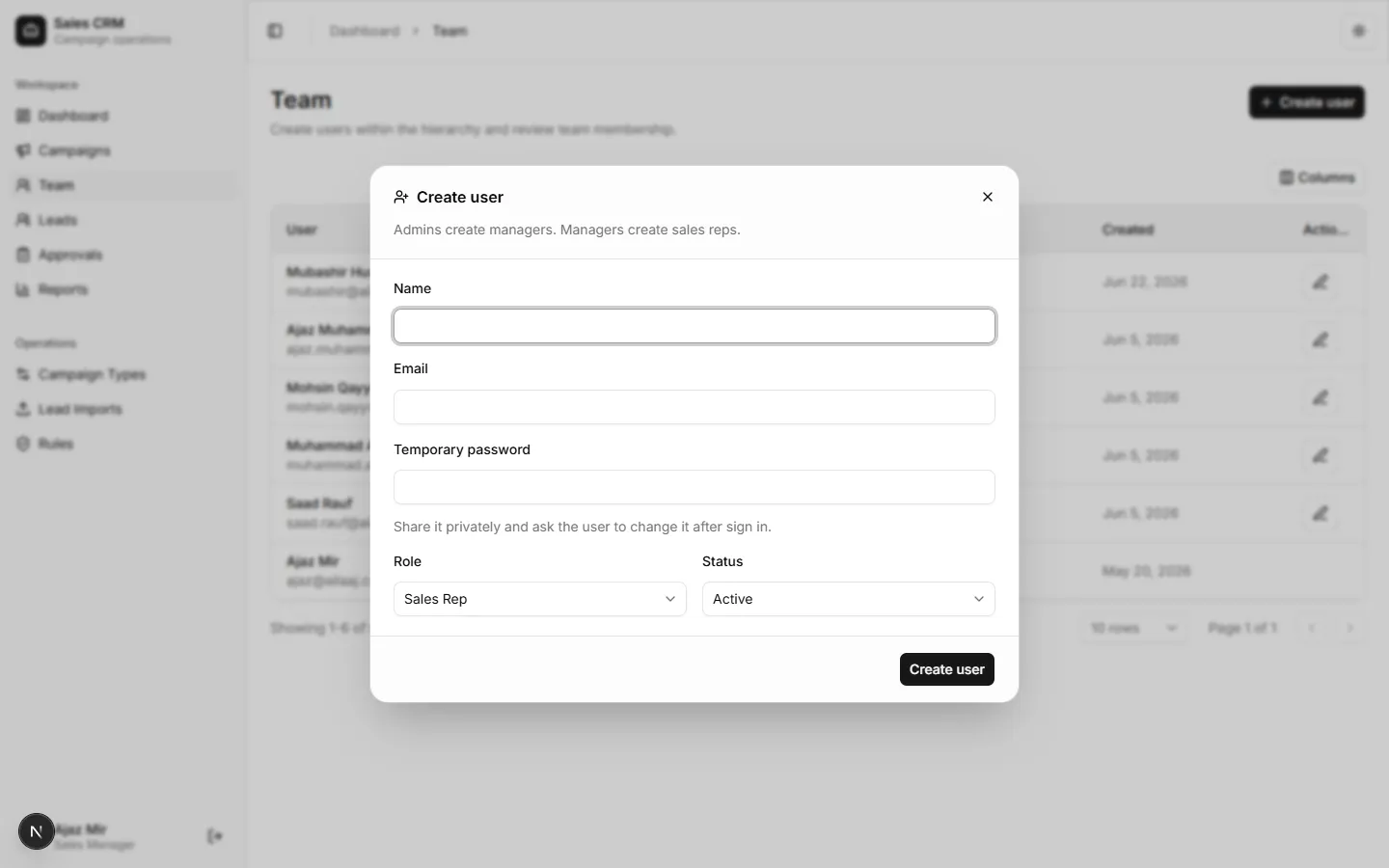
- Click Create user.
- Fill name, email, role (
Sales reporSales manager), and temporary password if required. - Save.
Success looks like
Section titled “Success looks like”The user appears in the team list and can sign in. Managers can assign leads to sales reps.
If it goes wrong
Section titled “If it goes wrong”| Symptom | Likely cause | Fix |
|---|---|---|
| Email already exists | Duplicate account | Search Team for the user; reset password if needed |
| User cannot sign in | Wrong password or inactive status | Confirm status is Active; reissue credentials |
| Rep missing from assign dropdown | Role not Sales rep | Edit user and set the correct role |