Sales Rep Guide
Audience: Field sales reps working assigned leads and logging visits.
Purpose: This is the front door to the Sales Rep guide. It explains your daily workspace, then points you to the right task page.
Companion guide: managers and admins use the Sales Manager guide.
The Sales Rep workspace focuses on your assigned leads, visit history, and personal performance. The Dashboard shows your KPIs and daily activity. Your sidebar includes Leads, Journey plan, Approvals (for requests you submitted), and Reports scoped to your data.
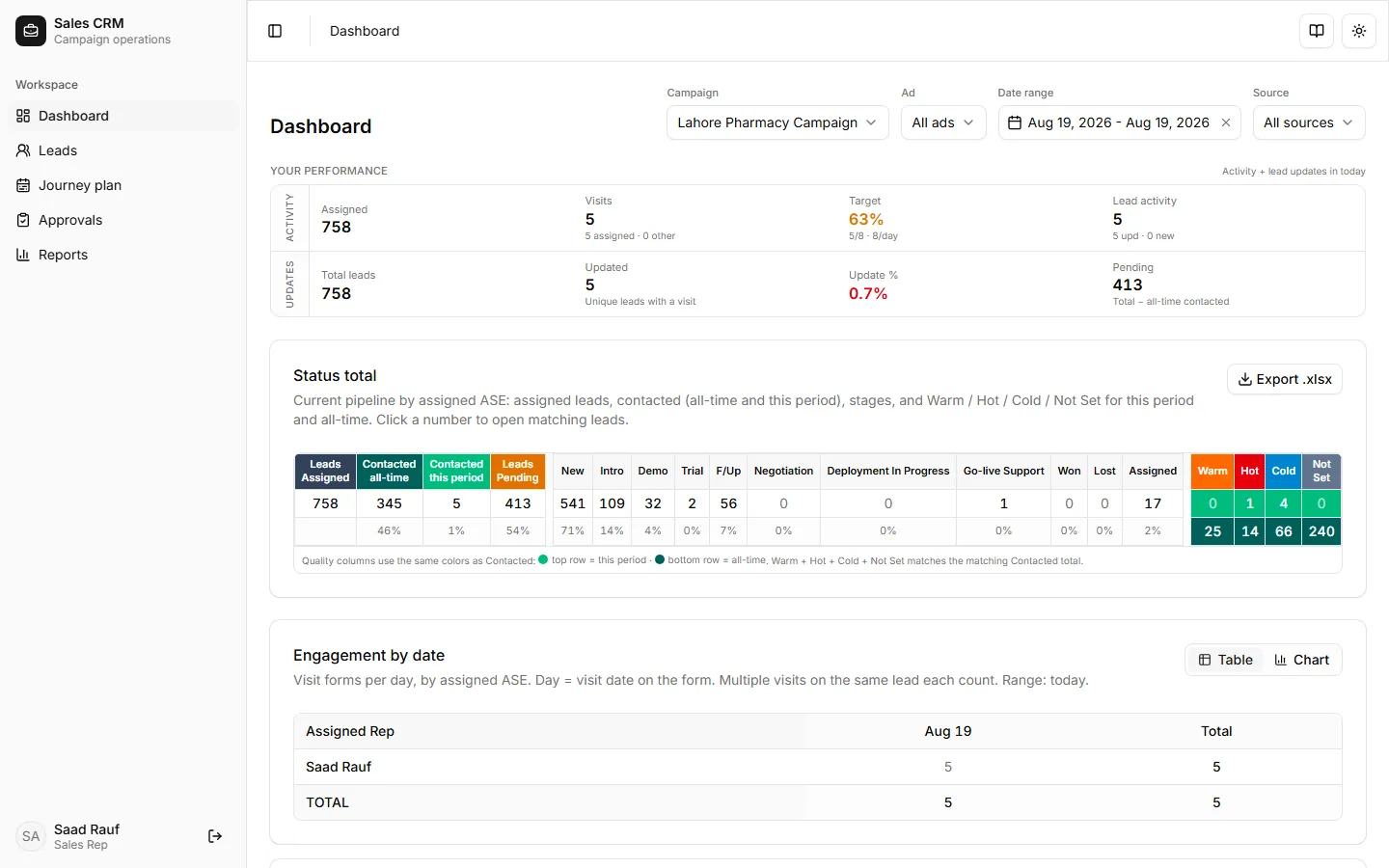
How to get there
Section titled “How to get there”Sign in with your rep account. Your sidebar shows the features available to your role — managers see more items under Operations, but reps work mainly in Workspace.
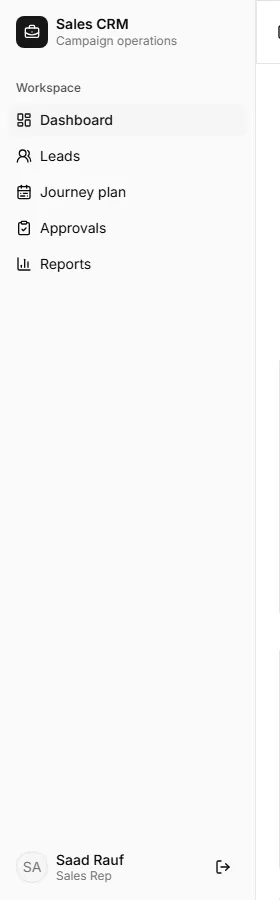
| Area | Sidebar path | What you do there |
|---|---|---|
| Dashboard | Workspace → Dashboard | Your KPIs and activity chart |
| Leads | Workspace → Leads | Work assigned leads, submit new leads, date chips & callbacks |
| Journey plan | Workspace → Journey plan | Plan daily visits (PJP) |
| Approvals | Workspace → Approvals | Track lead requests you submitted |
| Reports | Workspace → Reports | Your visits, Weekly review, conversions |
Find your task
Section titled “Find your task”| Task | Where | Doc |
|---|---|---|
| Work your lead list | Workspace → Leads | How-to |
| Submit a new lead | Leads → Submit lead | How-to |
| New lead, approval & visit | Submit → approve → visit | Tutorial |
| Log a visit | Lead row → Visits | How-to |
| Edit a visit | Visit detail → Edit | How-to |
| Export your leads | Leads → export menu | How-to |
| Read your reports | Workspace → Reports | How-to |
| Plan your journey | Workspace → Journey plan | How-to |
Choose your path
Section titled “Choose your path”New to the field? Follow one day end to end:
Tutorial — Your first field day → Open leads → Log visits → Check reports.
Adding a new outlet? Use New lead, approval, and visit for the full submit → approval → visit cycle.
Need a quick answer? Every task is its own page under How-to.
Want the exact rules? See Reference for lead stages, report tabs, and what you can edit.
Evaluating the CRM? Start with Why the rep workspace.
How does inside sales work now? Campaign is where the lead came from; product lives on the deal. Work leads by Qualification, then Convert to deal. See Inside-sales flow for the diagrams.