Review lead approvals
When to use this: A rep submitted a new outlet from the field and it needs your decision.
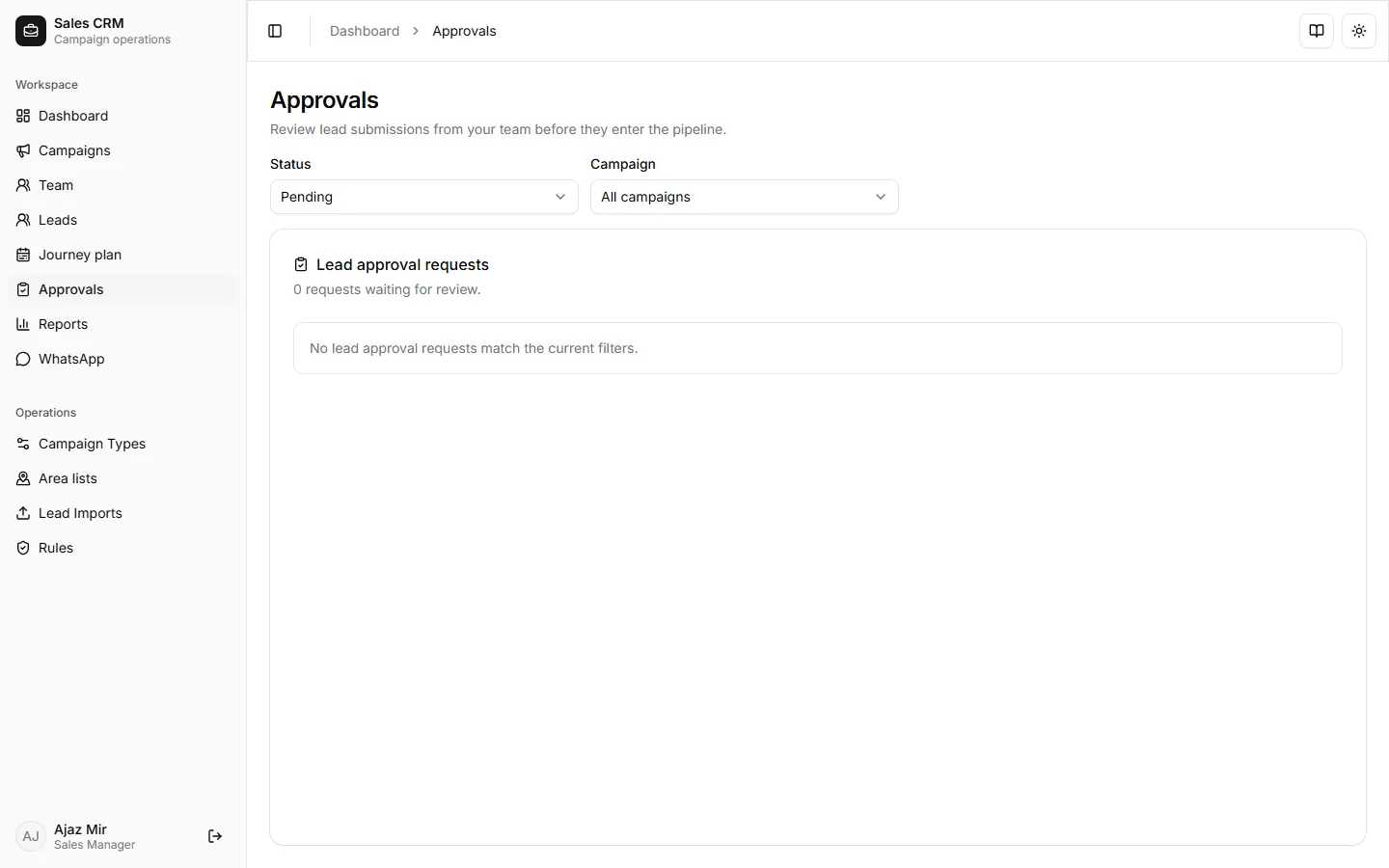
Where: Workspace → Approvals
For the full rep → manager → visit cycle, see Lead approval workflow.
- Open Workspace → Approvals.
- Filter Status to Pending and pick a Campaign if needed.
- Select a request and review creation fields (name, address, contacts).
- Click Approve to create the lead, or Reject with a reason the rep will see.
Success looks like
Section titled “Success looks like”Approved leads appear on Leads and on the rep’s assigned list. Rejected requests show the reason so the rep can resubmit.
If it goes wrong
Section titled “If it goes wrong”| Symptom | Likely cause | Fix |
|---|---|---|
| Empty queue | Filter not Pending | Set Status to Pending; pick the right Campaign |
| Approve fails | Duplicate license or validation error | Read the error toast; ask rep to fix fields and resubmit |
| Rep does not see approved lead | Not assigned to submitter | After approve, Assign the lead to the rep |
Related
Section titled “Related”- Submit a lead request (rep guide)
- New lead, approval, and visit (end-to-end rep flow)