Manage area lists
When to use this: You need consistent Area / Sub-area values on leads and imports, or you want to bulk-move leads by territory.
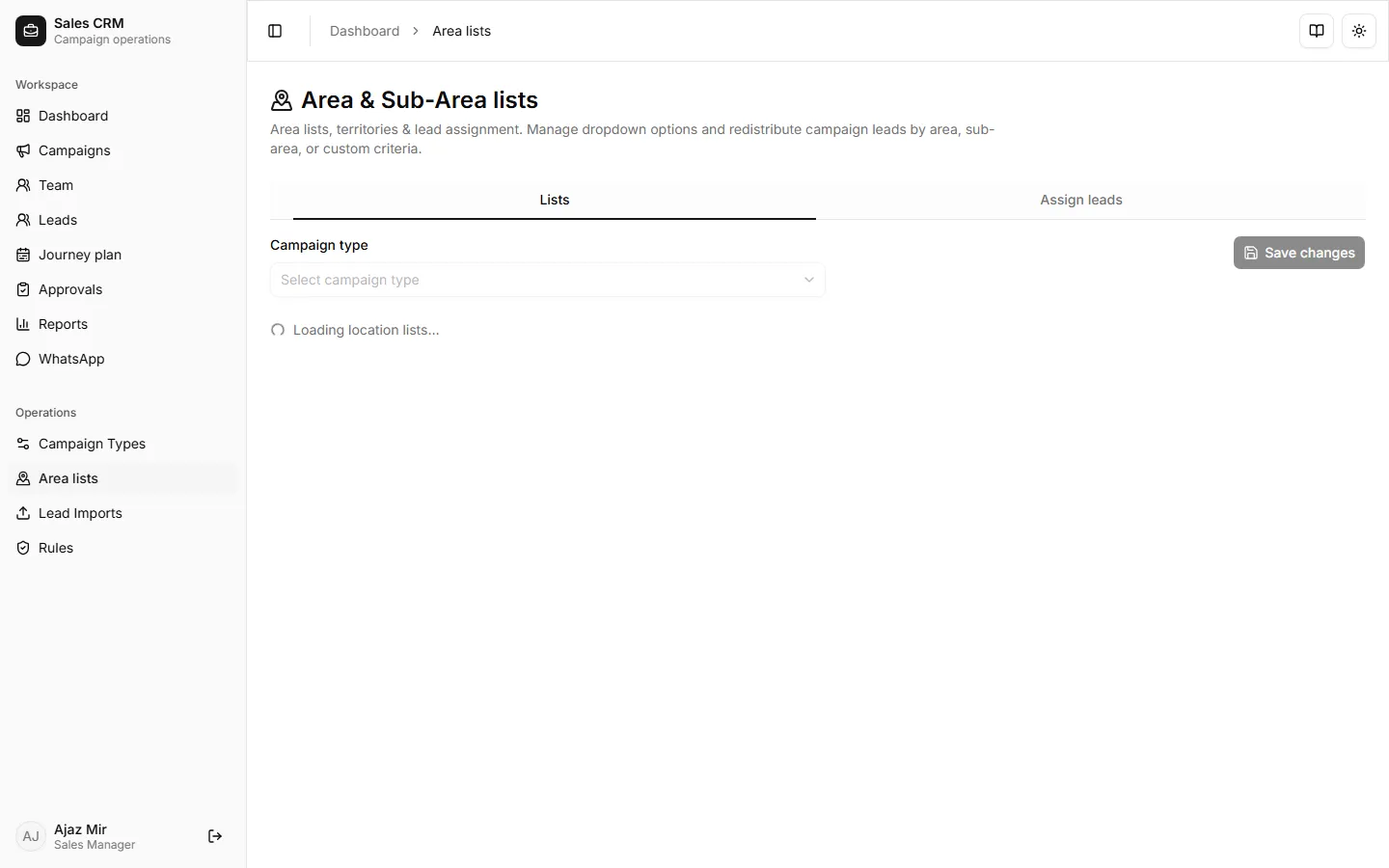
Where: Operations → Area lists
Lists tab — edit dropdown options
Section titled “Lists tab — edit dropdown options”- Open Operations → Area lists.
- Select a campaign type from the dropdown.
- On the Lists tab, add or reorder Area and Sub-area values used on lead forms and filters.
- Click Save lists.
Assign leads tab — redistribute by area
Section titled “Assign leads tab — redistribute by area”- Switch to the Assign leads tab (same page).
- Choose campaign, areas, and redistribution rules.
- Preview the affected lead count, then apply.
Success looks like
Section titled “Success looks like”Reps and managers see the new area values in Leads filters and creation forms. Redistribution updates Assigned rep on matching rows.
If it goes wrong
Section titled “If it goes wrong”| Symptom | Likely cause | Fix |
|---|---|---|
| Save disabled or errors | Duplicate or empty area names | Remove blanks; ensure each area name is unique |
| No campaign types in dropdown | Types not created yet | Define a campaign type first |
| Redistribution preview shows 0 leads | Filters too narrow | Widen area/sub-area or campaign selection |