Define a campaign type
When to use this: A new sales motion needs different fields on lead creation or visits.
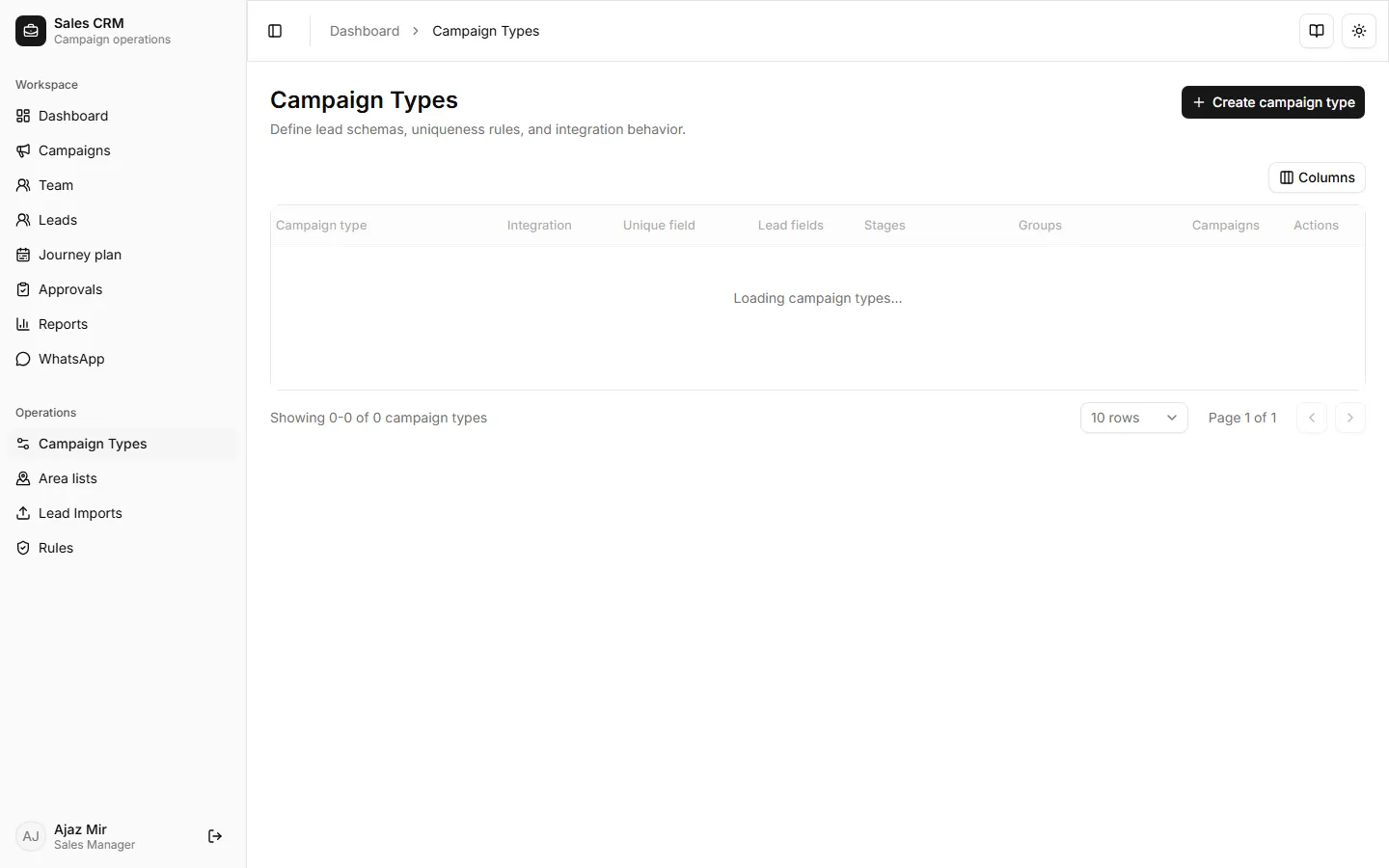
Where: Operations → Campaign Types
To add or change fields on an existing type (including Lahore Pharmacy / Field Visits), see Add fields to a campaign type.
- Open Operations → Campaign Types.
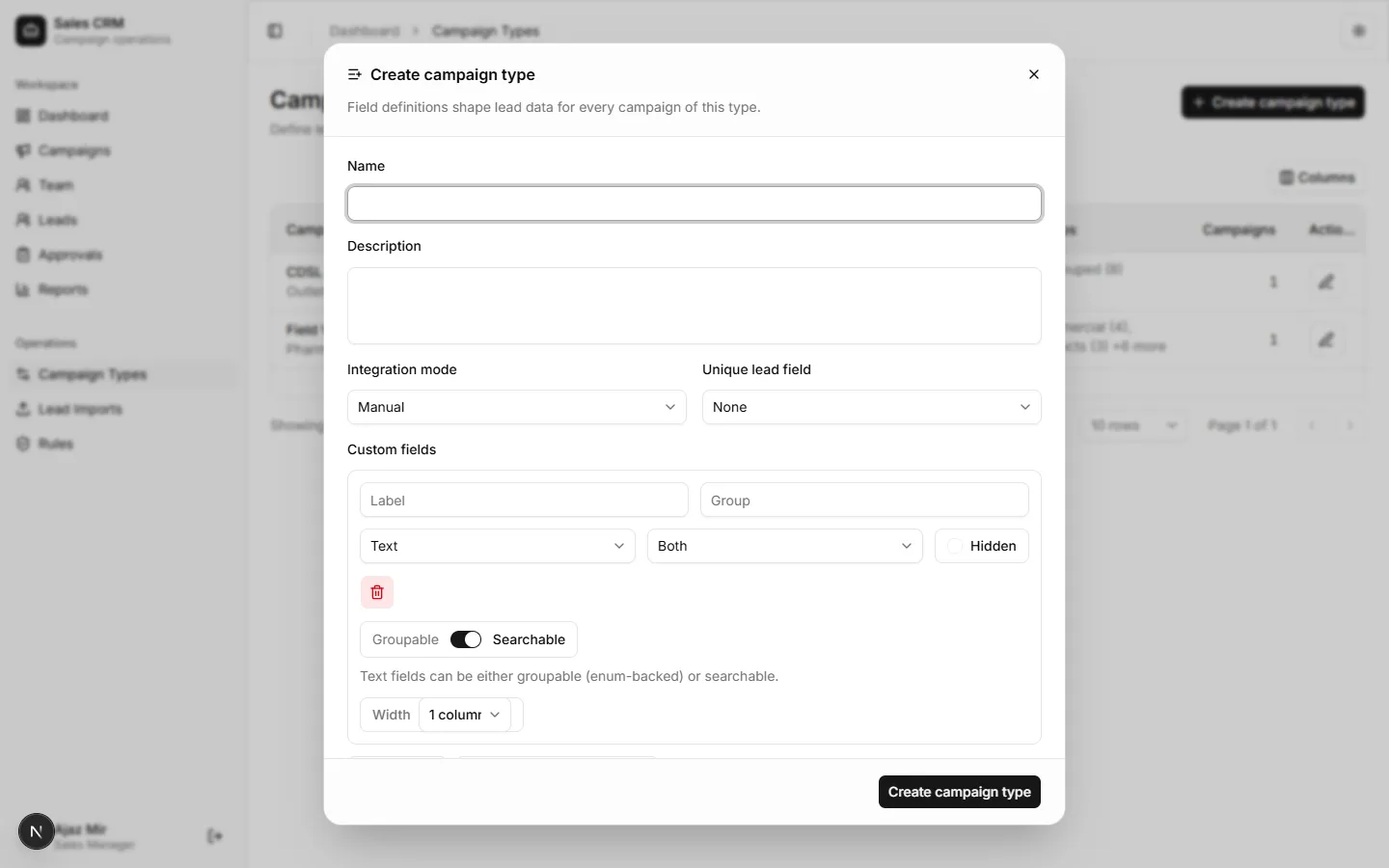
- Click Create campaign type.
- Name the type and add creation fields (for new leads) and visit fields (logged per visit).
- Save.
What a campaign type owns
Section titled “What a campaign type owns”| Concept | Meaning |
|---|---|
| Campaign type | Field schema (questions and options) reused by many campaigns |
| Campaign | A live instance (e.g. Lahore Pharmacy Campaign) that uses one type |
| Lead data | Answers stored per lead under each field key |
Lahore Pharmacy Campaign uses type Field Visits. Meta sheet leads (lead_source = meta_lead) land in that campaign and use the same fields.
Field basics (short)
Section titled “Field basics (short)”| Need | Setting |
|---|---|
| Dropdown with fixed choices | Type select + Options |
| Long free answer | Type textarea |
| Show on create lead | Stage creation or both |
| Show on visit log | Stage visit or both |
| Filterable in leads/reports | Groupable + non-empty options |
| “Others → type months” | Option Others + companion key {field}Other |
Full option lists, Meta qualification examples, and troubleshooting: Add fields to a campaign type.
Success looks like
Section titled “Success looks like”The type appears in the Create campaign dropdown. New campaigns inherit its field schema.
If it goes wrong
Section titled “If it goes wrong”| Symptom | Likely cause | Fix |
|---|---|---|
| Save blocked | Required field missing label or type | Complete every field row in the builder |
| Type not in campaign dialog | Page not refreshed | Reload Campaigns; pick Create campaign again |
| Visit fields missing on log visit | Visit fields not defined on type | Reopen type; add fields with stage visit or both |