Create a campaign
When to use this: You need a new campaign container for a quarter, region, or initiative.
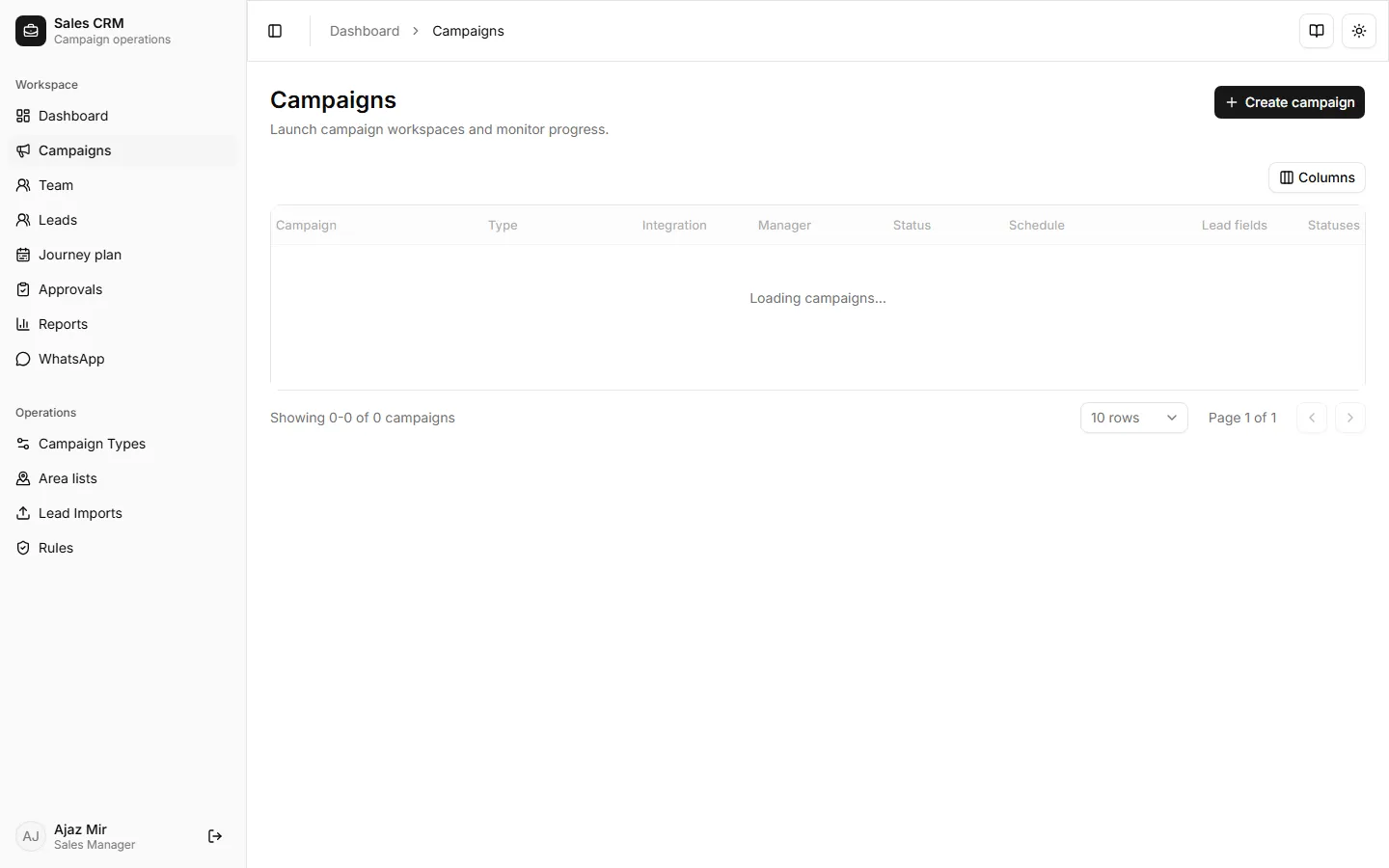
Where: Workspace → Campaigns
- Open Workspace → Campaigns.
- Click Create campaign.
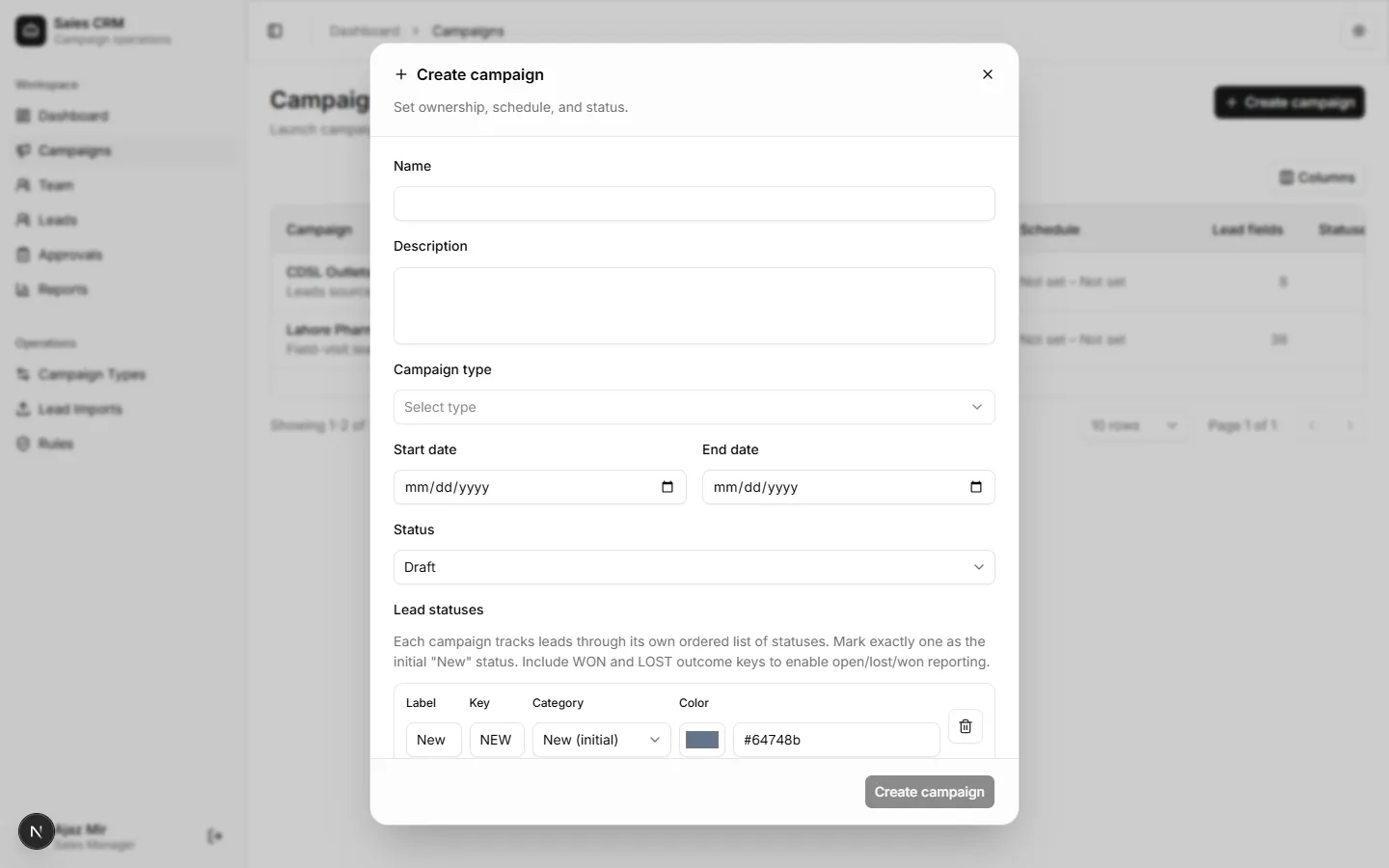
- Enter a name, pick a campaign type, and set start and end dates.
- Click Save.
Success looks like
Section titled “Success looks like”The campaign appears in the list with status Active (or Draft if dates are in the future). You can now import or create leads against it.
If it goes wrong
Section titled “If it goes wrong”| Symptom | Likely cause | Fix |
|---|---|---|
| No campaign types in the dropdown | Types not defined yet | Create one under Operations → Campaign Types |
| Save disabled | Required fields missing | Fill name, type, and both dates |