Assign a lead
When to use this: One outlet needs a new owner.
Where: Workspace → Leads
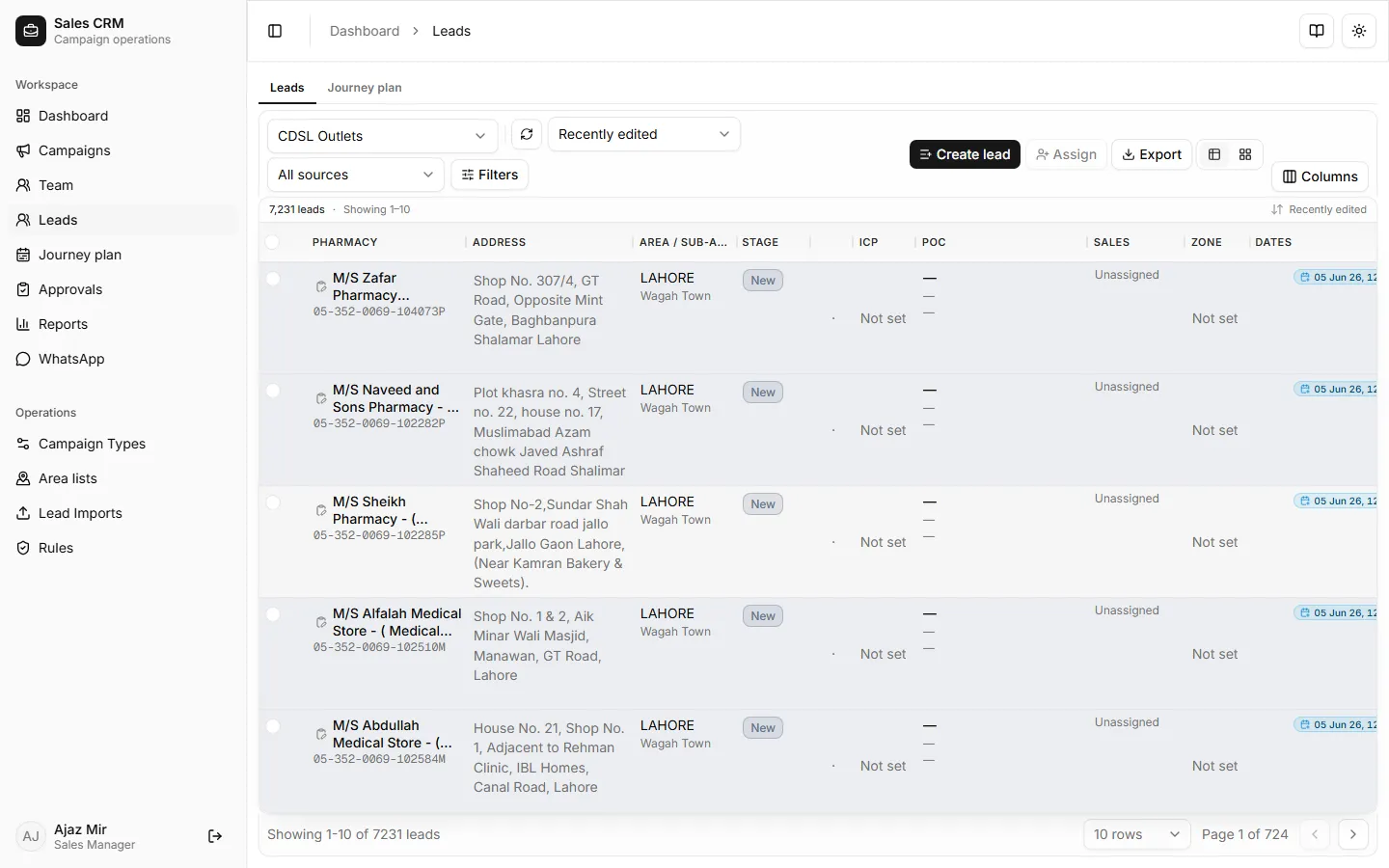
- Open Workspace → Leads and find the lead.
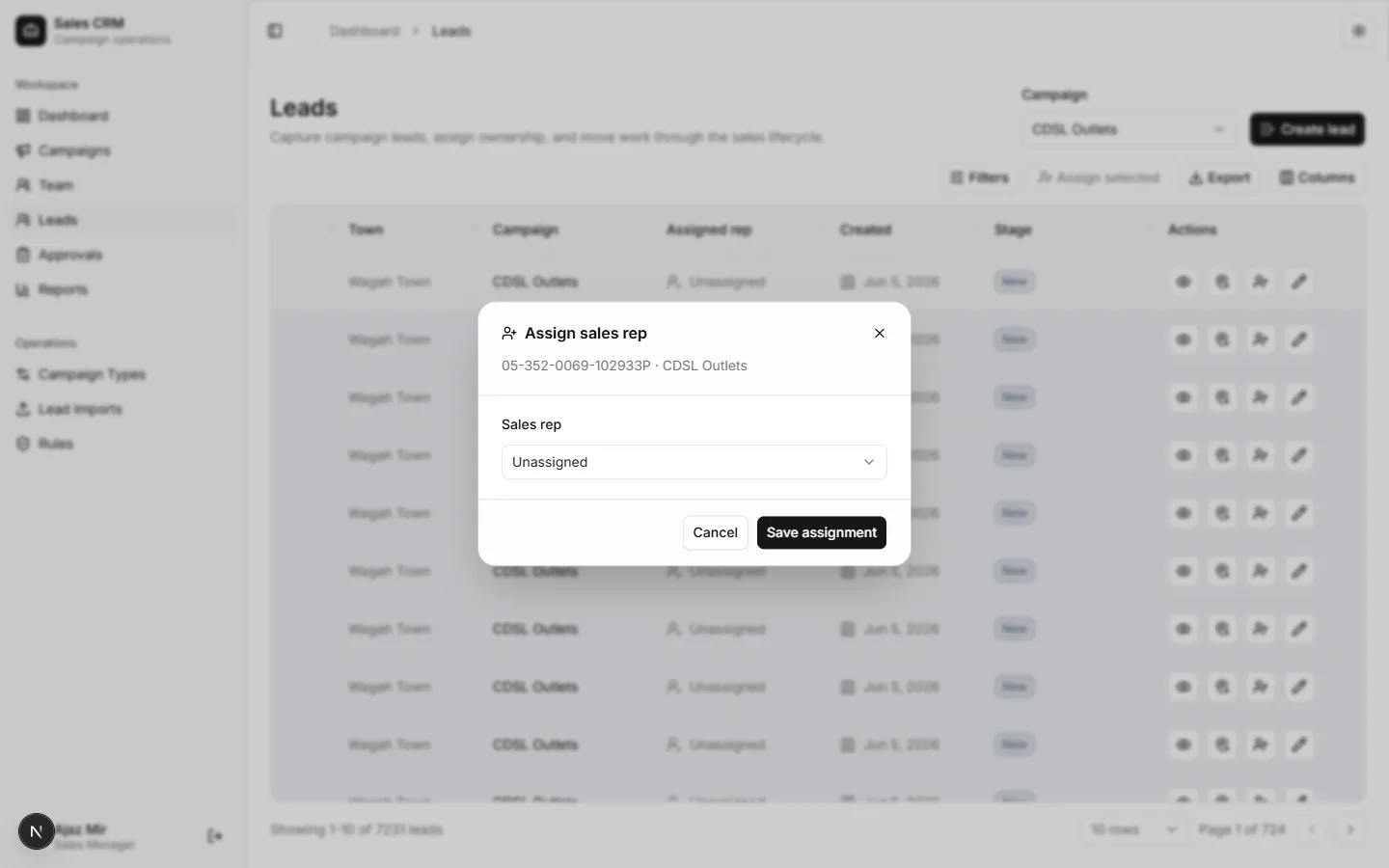
- Open the row Actions menu and choose Assign.
- Pick the sales rep and confirm.
Success looks like
Section titled “Success looks like”The Assigned rep column updates. The rep sees the lead immediately on their Leads list.
If it goes wrong
Section titled “If it goes wrong”| Symptom | Likely cause | Fix |
|---|---|---|
| Assign not in row menu | Lead already locked or you lack permission | Confirm your role is manager or admin |
| Rep not in dropdown | User inactive or wrong role | Add them on Team with role Sales rep |
| Assignment reverts | Save failed silently | Refresh grid; retry assign |