Send WhatsApp messages
When to use this: You need to reply to pharmacy conversations or send one message (optionally with files) to many leads in a campaign.
Where: Workspace → WhatsApp (managers and admins only)
Reps can still open a WhatsApp template from a lead’s ⋯ menu; they do not see the WhatsApp workspace sidebar item.
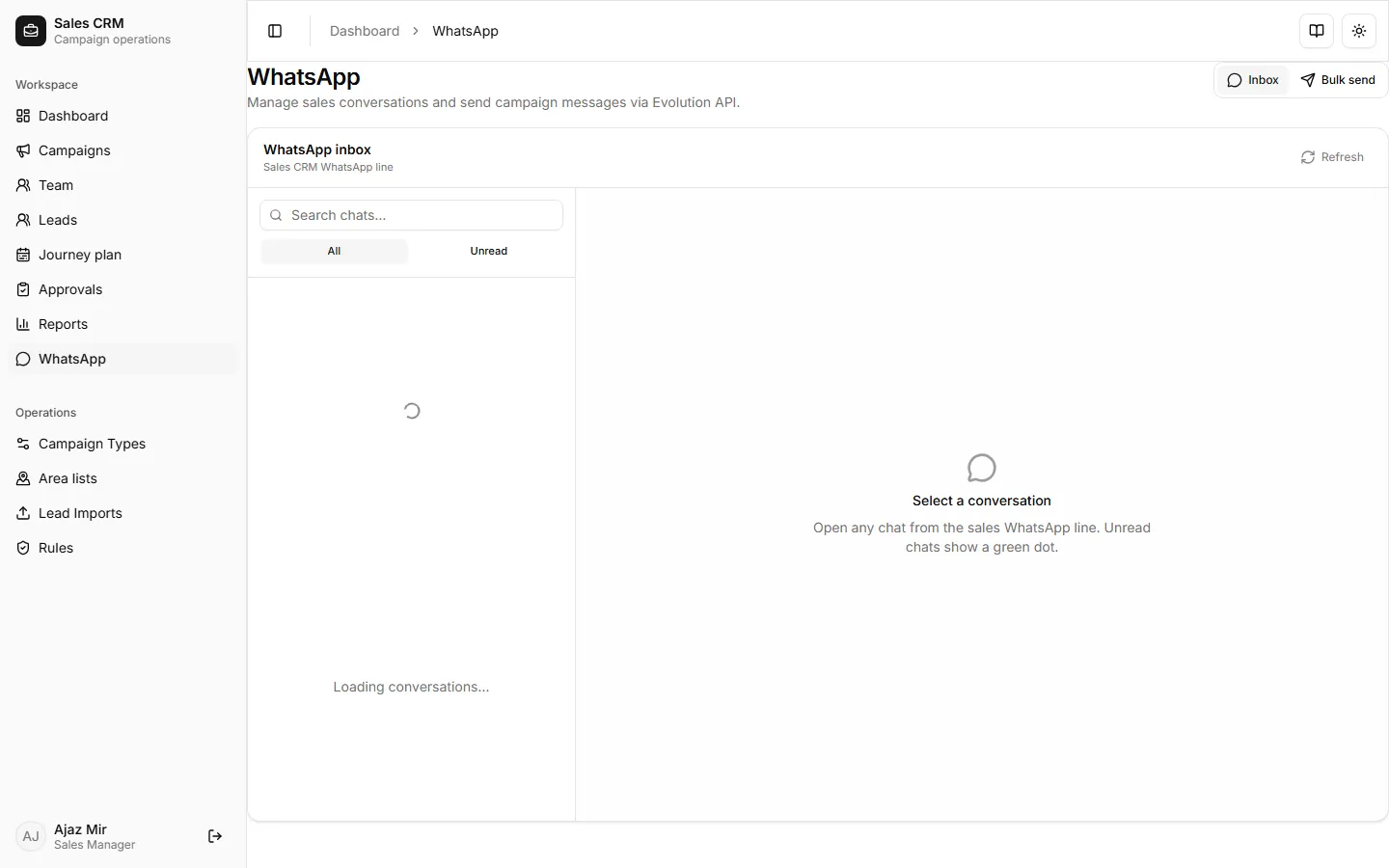
- Open Workspace → WhatsApp.
- Stay on the Inbox tab.
- Select a conversation and reply from the thread panel.
- Use refresh / sync controls if the list looks behind live WhatsApp traffic.
Bulk send
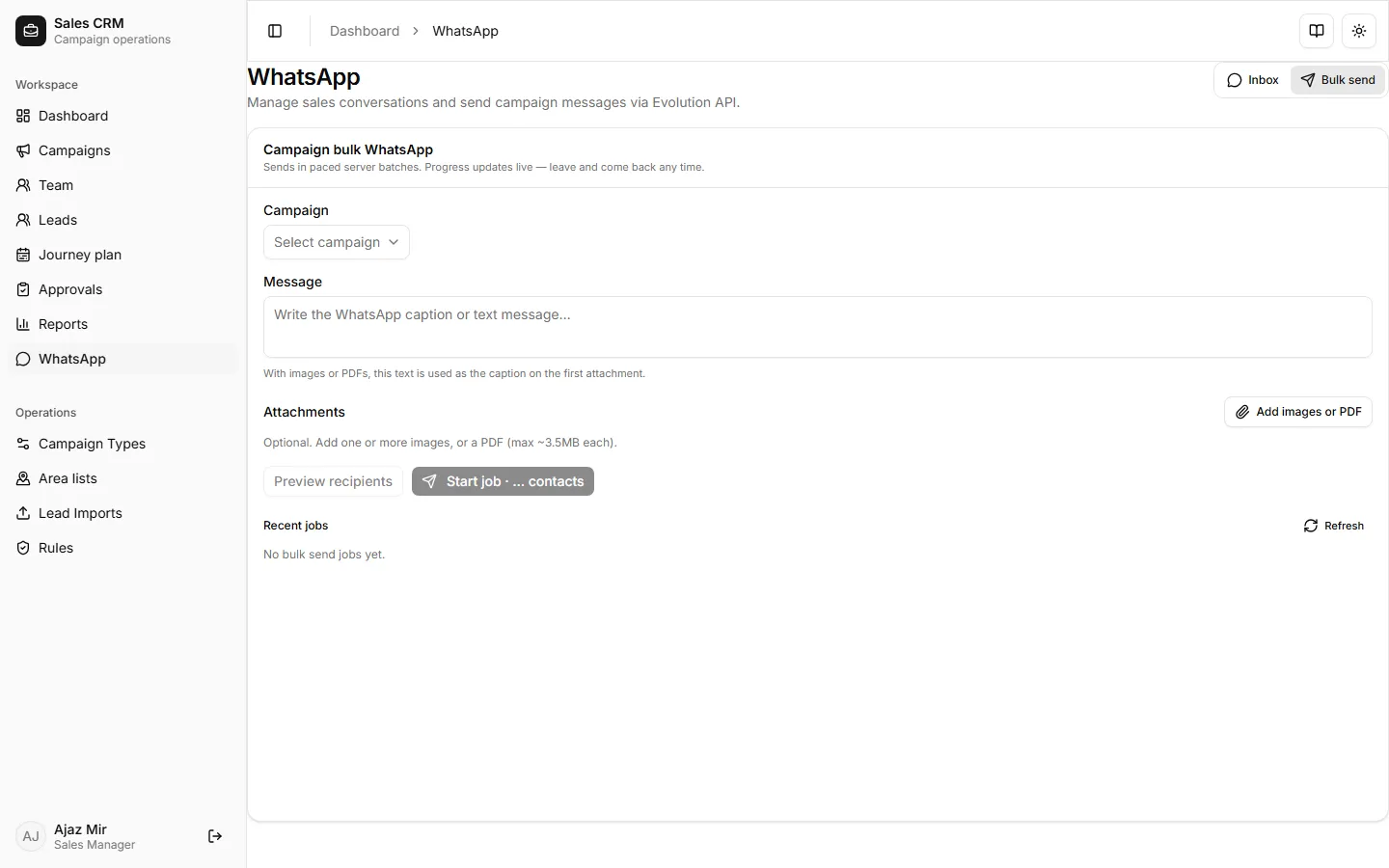
Section titled “Bulk send”- Switch to the Bulk send tab.
- Choose the campaign whose leads should receive the message.
- Enter the message text. Attach images or PDFs if needed (within the attachment limit shown in the UI).
- Start the job and watch progress (queued → sending → completed / failed / cancelled).
- Review recent failures for bad numbers or API errors; cancel an in-flight job if you need to stop.
Templates from a lead
Section titled “Templates from a lead”From Leads, Visits, or Journey plan, open a lead’s ⋯ menu → WhatsApp templates:
- Pick a saved campaign template to open WhatsApp with variables filled.
- Managers/admins (and template creators) can save, edit, or delete campaign templates.
Success looks like
Section titled “Success looks like”Inbox threads update after send. Bulk jobs show sent vs failed counts. Template opens WhatsApp with the pharmacy phone and filled placeholders.
If it goes wrong
Section titled “If it goes wrong”| Symptom | Likely cause | Fix |
|---|---|---|
| No WhatsApp in sidebar | Signed in as sales rep | Use a manager/admin account, or send via lead ⋯ templates |
| Bulk send stuck | Job still running or paused between batches | Wait for progress; use Cancel if needed |
| Many failures | Invalid / missing phone on leads | Fix phones on leads, then retry failed rows |
| Template missing | Wrong campaign or none saved yet | Save a template from a lead on that campaign |
Related
Section titled “Related”- Work your lead list — lead ⋯ actions (rep view)
- Use the dashboard — filter by lead source WhatsApp