Bulk-assign leads
When to use this: You are splitting a territory or rebalancing books after an import.
Where: Workspace → Leads
- Open Workspace → Leads and filter to the campaign or area you are assigning.
- Select the checkboxes on the rows to move.
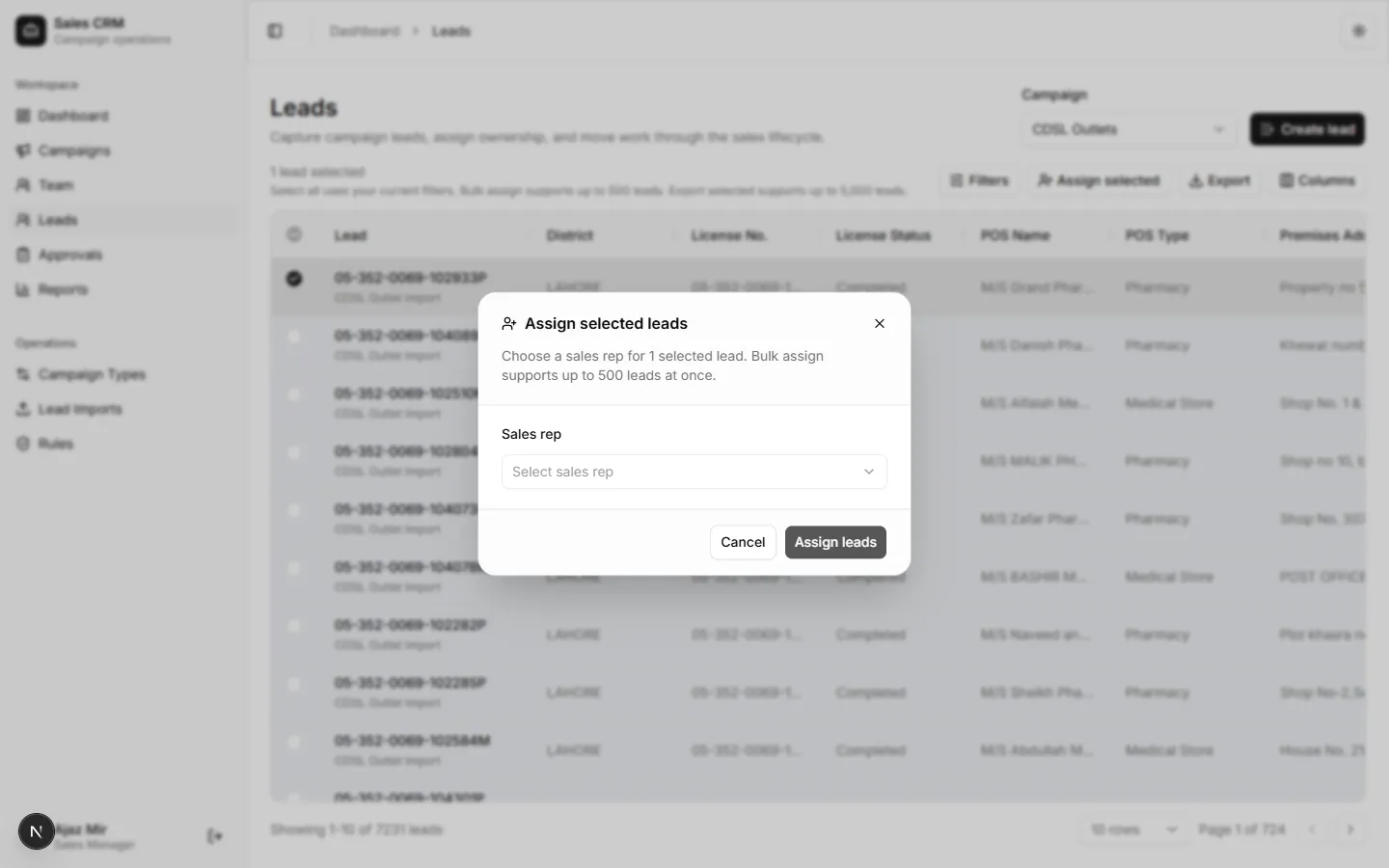
- Click Assign in the bulk toolbar.
- Choose the rep and confirm.
Success looks like
Section titled “Success looks like”All selected rows show the same assigned rep. Reps refresh their list to see new outlets.
If it goes wrong
Section titled “If it goes wrong”| Symptom | Likely cause | Fix |
|---|---|---|
| Assign toolbar disabled | No rows selected | Tick checkboxes on lead rows first |
| Partial assignment | Timeout on large selection | Assign in smaller batches (for example 50 at a time) |
| Wrong rep on all rows | Picked wrong user in dialog | Bulk-assign again to the correct rep |