Import CDSL leads
When to use this: You have a CDSL outlet spreadsheet to bulk-load into a campaign.
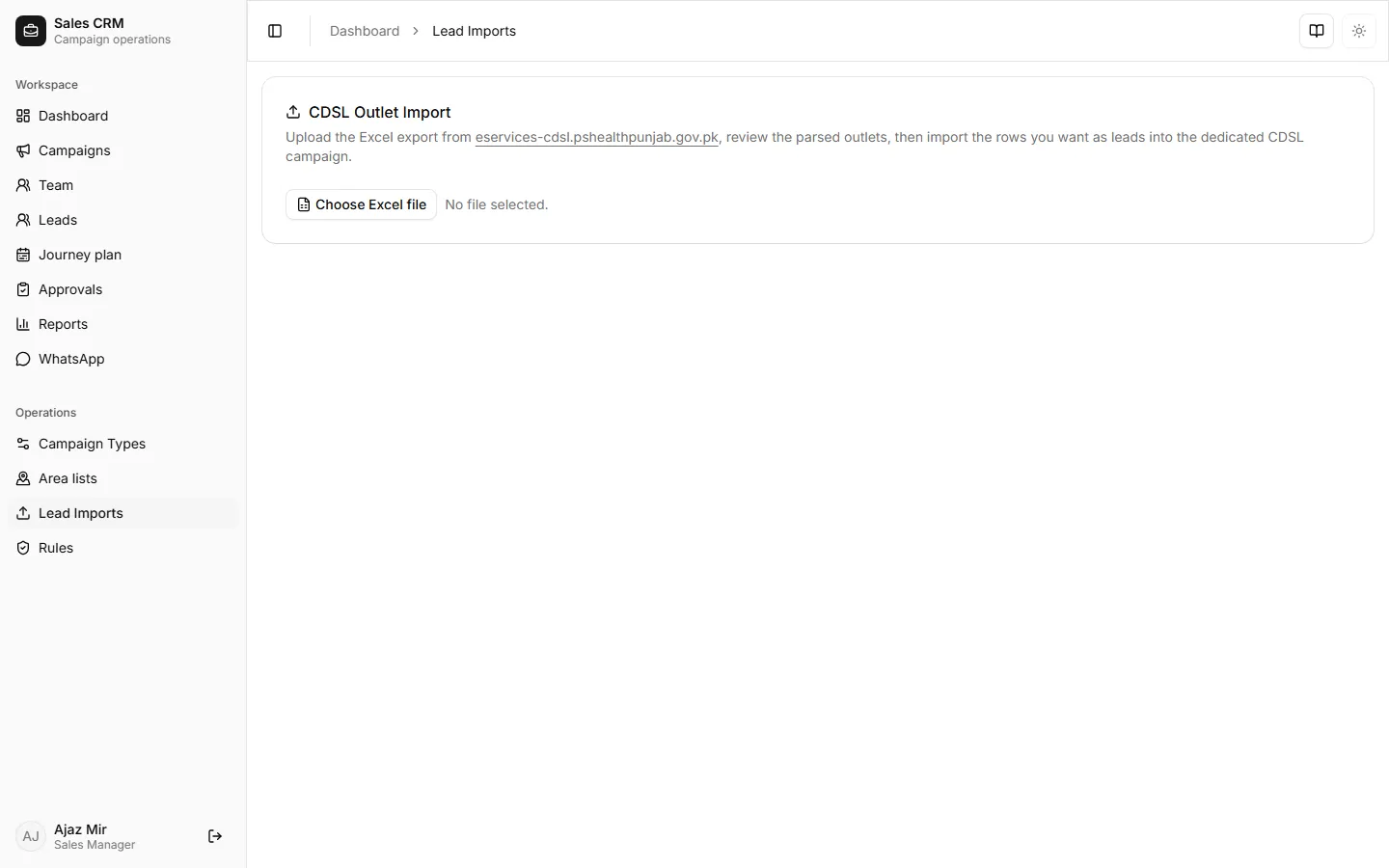
Where: Operations → Lead Imports
- Open Operations → Lead Imports.
- Choose the target campaign.
- Drop or select your CDSL Excel file.
- Confirm column mapping and start the import.
- Wait for the batch to finish — review created, skipped, and duplicate counts.
Success looks like
Section titled “Success looks like”A new import batch shows Completed with a count of leads created. Duplicates are skipped by license number so re-uploading the same file is safe.
If it goes wrong
Section titled “If it goes wrong”| Symptom | Likely cause | Fix |
|---|---|---|
| All rows skipped | License numbers already in campaign | Filter Leads by campaign — leads may already exist |
| Parse error | Wrong template or sheet | Use the CDSL template your admin provided |
| Upload stalls | Large file | Wait — imports run in chunks; refresh after a minute |